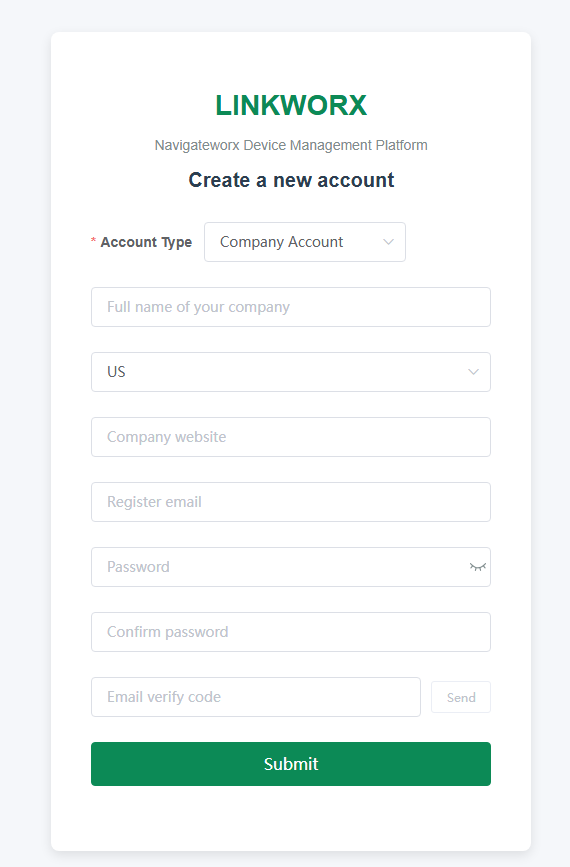
Register Account
Account Types
Registration on the LINKWORX platform supports two account types: Individual users and Company Account, each serving different user needs.
Individual users: Before joining any organization, a personal account is fully independent. Users may apply to join any existing organization and can also leave an organization at any time, then apply to join another one as needed.
Company Account: If you choose to create a company account, the first user who registers the company becomes the Owner of that organization. The Owner has the same permissions as an Organization Admin, but carries a special founder label to indicate ownership.
Registration Steps
1. Open your browser and visit cloud.navigateworx.com that allows users to register freely.
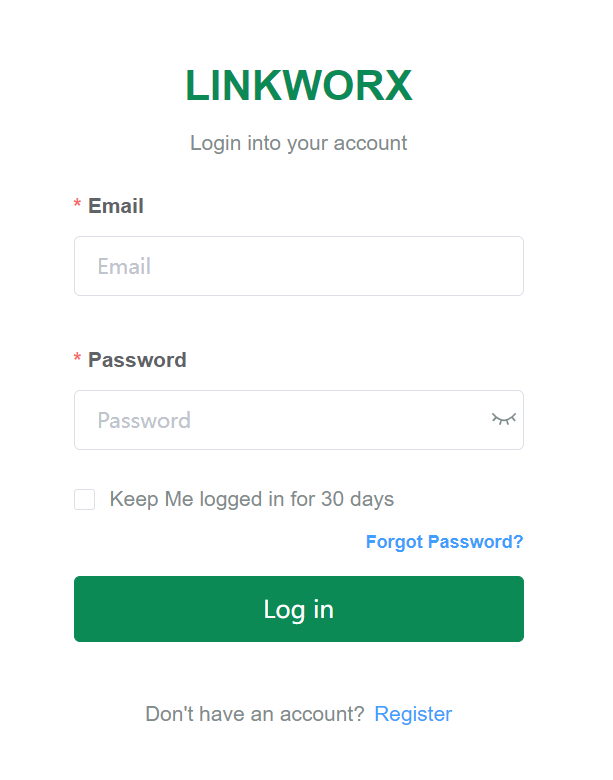
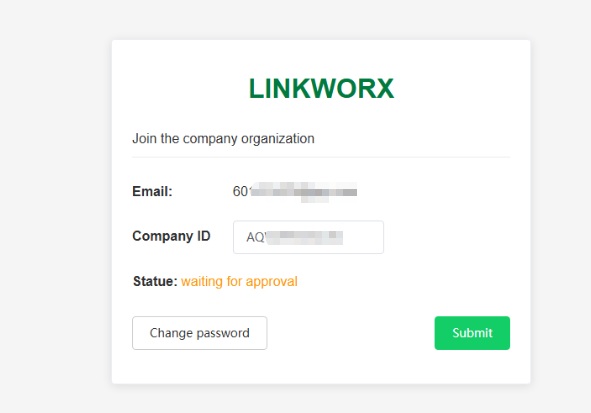
2. Select the Register option on the page. If you are creating a Individual users, fill in your personal information. After the account is created, you may apply to join an existing company organization from your profile page.
| Fill the email address and password and submit. | Re-login with your account and fill the company ID then submit. | Wait for the Organizaion Admin to approve your submission. | ||
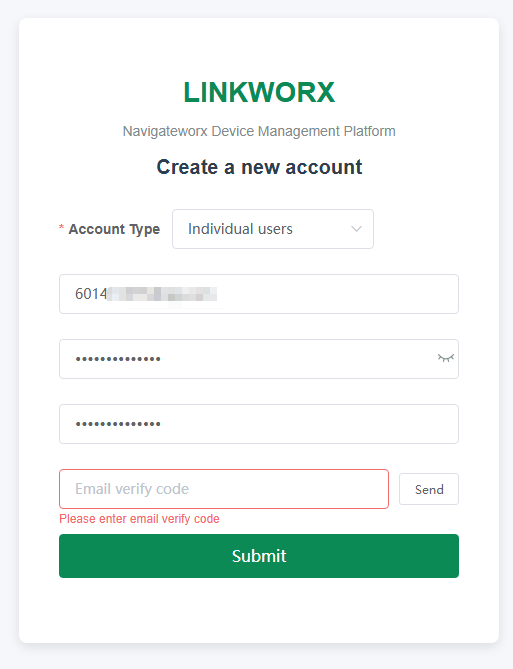 |
-> | 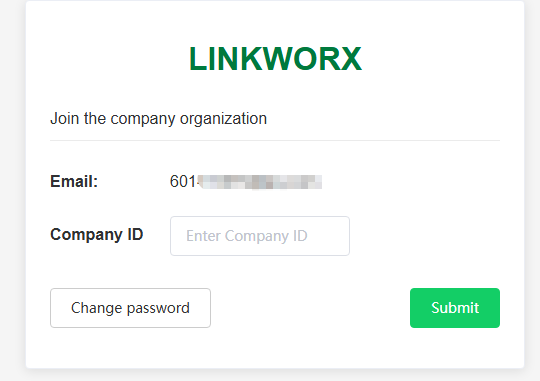 |
-> |  |
3. If you are creating a Company Account, additional company information is required, such as the full company name, website, and time zone.