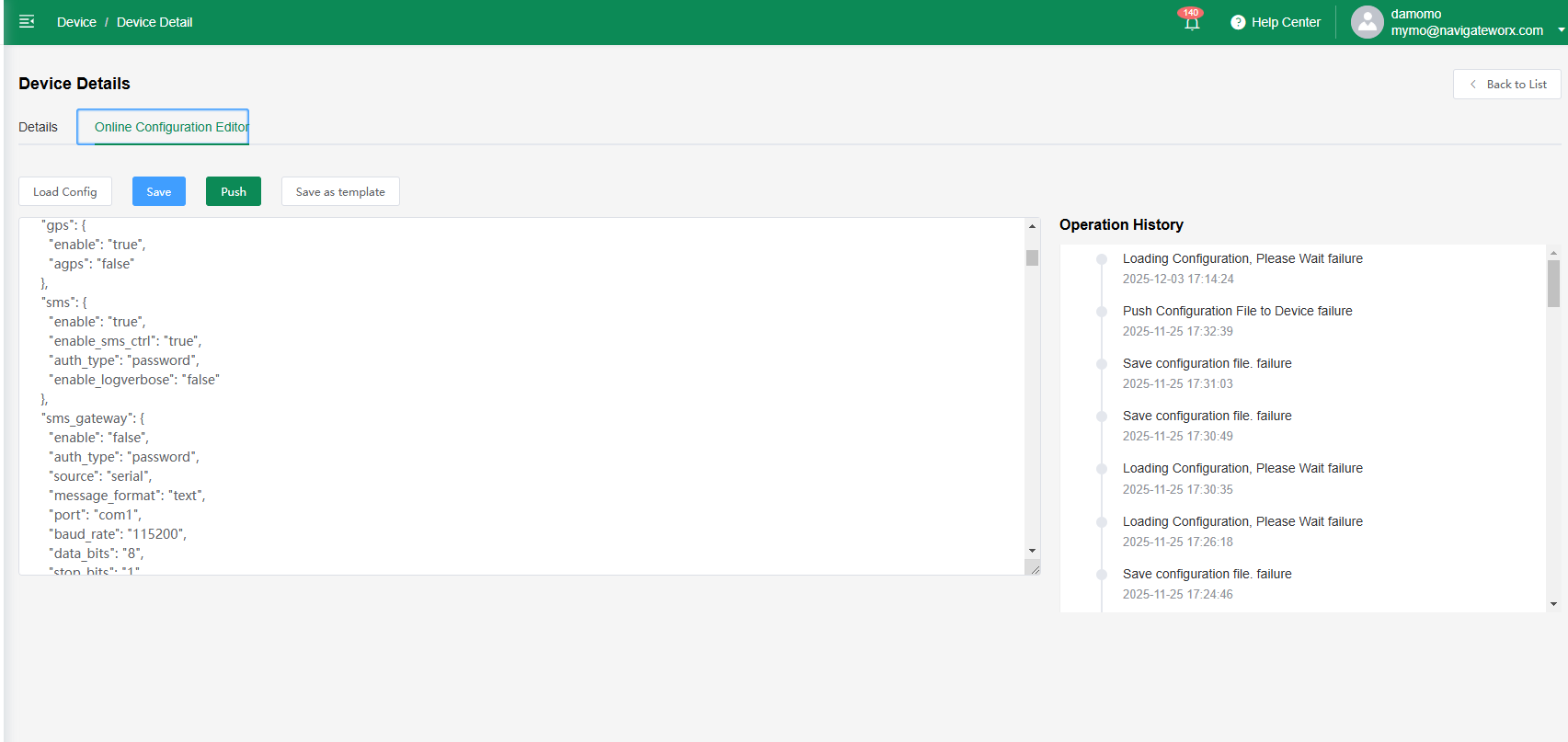
The Online Configuration Editor allows users to view, edit, and manage device configuration files directly from the platform without needing local access. It supports real-time modification, syntax highlighting, and version control to ensure safe and accurate configuration updates. Users can load existing device settings, make adjustments, save changes, and push updates remotely. Combined with templates and operation history, the editor streamlines configuration management for large-scale deployments and reduces on-site maintenance.

| Load Config |
Load an existing configuration file from the device for review or editing.
|
| Save |
Save the current configuration changes locally within the platform before pushing them to the device.
|
| Push |
Apply and send the saved configuration to the target device. This action updates the device settings remotely.
|
| Save as Template |
Store the current configuration as a reusable template that can be applied to other devices or future deployments.
|
Operation History
View a log of all configuration-related actions, including load, save, and push events, for tracking and auditing.