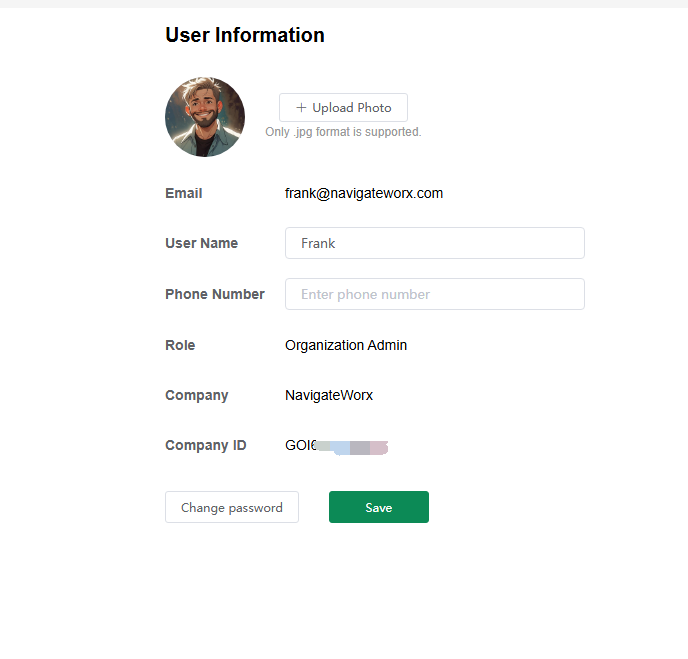
1 User Profile
The User Profile page allows users to manage their personal information, including name, email, password, and time zone. It also displays the user’s organization, roles, and group permissions. Individual account users can request to join or leave an organization from this page.
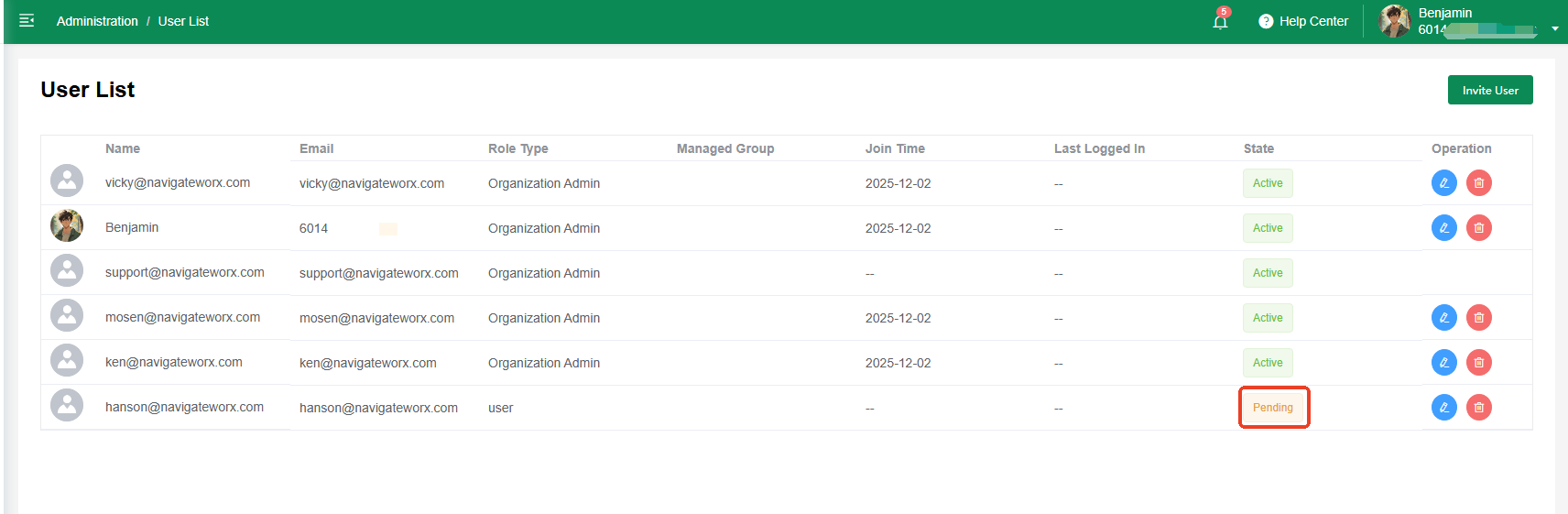
2 User List
The User List provides Organization Admins with an overview of all users in the company. Organization Admins can invite new users, assign roles, manage permissions, and remove accounts. It ensures secure and organized user management within the organization.
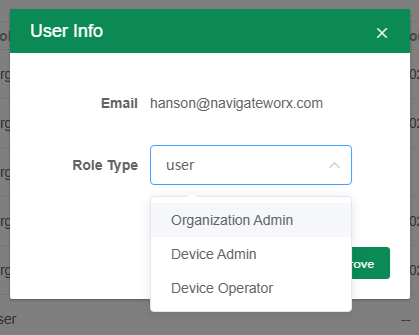
2.1 Edit or Approval new application
2.2 Invite User
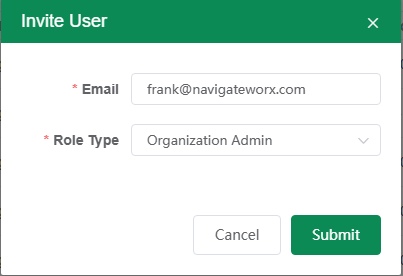
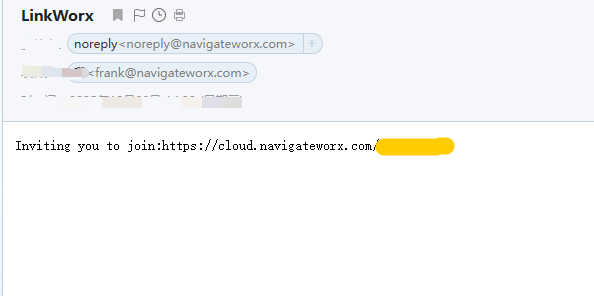
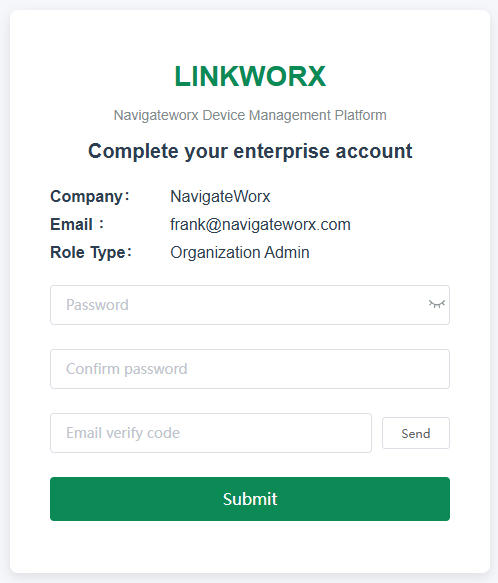
| Click "Invite User", fill with the email address and User Role. | Then user will recive an email with register link. | Copy the register link and open by broswer to complete the registration. | ||
 |
-> |  |
-> |  |
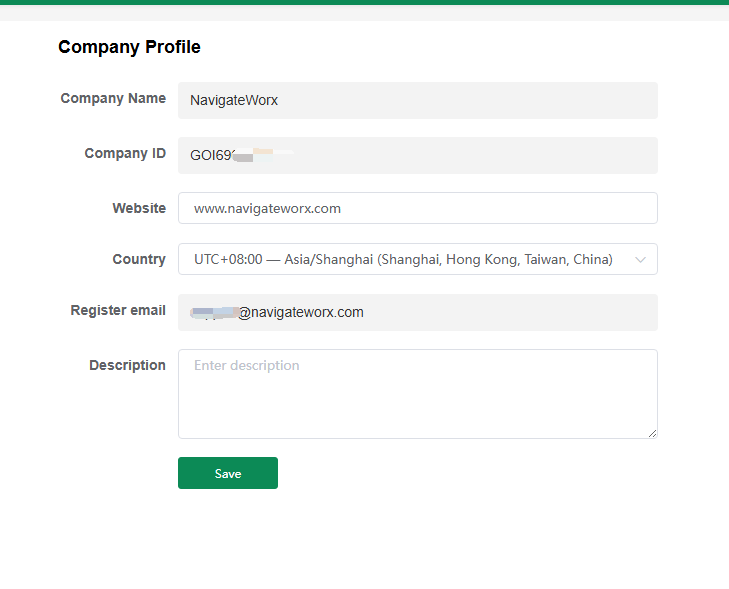
3 Company Profile
The Company Profile shows key company information such as organization name, website, and timezone. The first creator becomes the Organization Owner. Organization Admins can update company details and manage high-level business settings.